
 04 November 2026
 Share
1

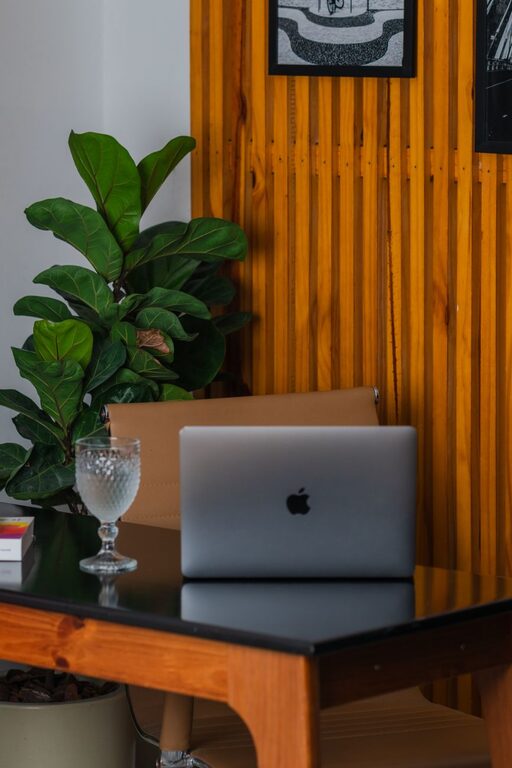
A workspace does not need a complete makeover to feel better. In just ten minutes, you can clear visual clutter, improve your comfort, and create a more inviting place to work. The goal is not perfection. It is to make a few small changes that help your space support the tasks ahead.
Use the following quick reset whenever your desk feels distracting, crowded, or uninspiring.
Before moving anything, decide what you want to improve. A simple goal keeps the process focused and prevents you from getting pulled into larger organizing projects.
Choose one or two priorities, such as:
– Clearing space around your keyboard
– Finding important items
– Reducing visible clutter
– Making the area more comfortable
– Creating a calmer, cleaner appearance
Set a timer for ten minutes. Knowing that the reset has a firm ending makes it easier to work quickly and make simple decisions.
Start with the items that clearly do not belong on your workspace. Pick up cups, food wrappers, empty packages, random papers, and anything that belongs in another room.
Use three quick groups:
Do not worry about organizing every drawer or shelf. Place items that need to move into a small basket or pile so you can deal with them after the reset. The main goal is to clear the immediate work area.
As you remove items, keep only what supports your current work. A less crowded desk often feels easier to use, even when the rest of the room remains unchanged.
Now focus on the main surface. Wipe away dust and crumbs with a soft cloth or a suitable cleaning wipe. Pay attention to the areas around your keyboard, mouse, phone, and frequently used supplies.
If your desk has several loose items, group similar things together:
– Pens and pencils in one container
– Notes in one small stack
– Cables in one area
– Documents in a folder or tray
– Daily tools within easy reach
Try to leave a clear space in front of you. An open area gives you room to write, review documents, or place materials without moving several objects first.
Avoid creating large piles. A tidy stack can quickly become a confusing one if it contains unrelated papers. If you cannot review the papers now, place them in a labeled folder such as “Review later.”
Your workspace includes your screen, not just your desk. A quick digital cleanup can make the area feel more organized without requiring a major file-management session.
Close tabs and applications you are not using. Keep only the windows needed for your current task. If your desktop is crowded, move loose files into a temporary folder named “Sort later.”
You can also take a few seconds to:
– Clear unnecessary notifications
– Silence nonessential alerts
– Close duplicate documents
– Put your phone on silent or focus mode
– Remove unused items from your taskbar or dock
This step helps reduce visual interruptions. It also makes it easier to return to your main task after a break.
Small comfort adjustments can make a noticeable difference during a work session. Check your chair, screen, keyboard, and lighting.
Place your screen at a comfortable height and distance. You should not need to lean forward or turn your head constantly to see it. Move your keyboard and mouse so your arms can rest naturally instead of reaching across the desk.
Check your chair as well. Adjust the height so your feet can rest comfortably and your shoulders can stay relaxed. If you use a laptop for extended periods, consider adding a separate keyboard or raising the screen when practical.
Finally, adjust the lighting. Open a curtain, move a lamp, or reduce glare on your screen. A comfortable space is easier to return to throughout the day.
Your surroundings can affect how your workspace feels. If possible, open a window briefly or improve air circulation. If the room is dim, turn on a lamp or move your workspace closer to natural light.
You can also refresh the atmosphere by:
– Watering a nearby plant
– Removing an empty cup
– Replacing a harsh light with a softer one
– Adding a simple object you enjoy seeing
– Moving a distracting decoration out of your line of sight
Keep this step practical. The goal is to create a pleasant environment, not to add more items. One useful or attractive object is often enough.
A workspace feels more useful when it is ready for what comes next. Look at your schedule or task list and place the materials you will need within reach.
For example, you might:
– Open the document you plan to edit
– Place a notebook beside the keyboard
– Set out a pen
– Add a reminder to your task list
– Put reference materials in one folder
– Write down the first action for your next work period
Keep the first step small and clear. Instead of writing “work on project,” write “review the introduction” or “send the draft for feedback.” A specific starting point reduces the effort needed to begin.
Use the last minute to review the whole workspace. Ask yourself:
– Is the main work area clear?
– Can I find the items I need?
– Is anything distracting me?
– Is the lighting comfortable?
– What is the first task I will start?
Return any remaining item to its proper place, remove the basket or temporary pile, and make one final adjustment to your chair or screen.
Do not use the final minute to begin a new organizing project. Stop when the timer ends. A quick reset works best when it remains simple and repeatable.
A ten-minute reset can become a useful daily habit. Try doing it at the start of the day, after lunch, or before finishing work. You do not need to repeat every step each time. Focus on the areas that become messy most often.
A simple end-of-day routine might include:
– Throwing away trash
– Returning supplies to their usual places
– Closing unnecessary tabs
– Writing down the next task
– Wiping the desk surface
– Leaving the chair neatly positioned
You can also keep a small tray, folder, or basket for items that need attention later. This prevents loose objects from spreading across the workspace while keeping them visible.
Refreshing your workspace is not about buying new furniture or creating a perfect setup. It is about removing distractions, improving comfort, and making the next task easier to begin.
In ten minutes, you can create a clearer desk, a calmer screen, and a more useful starting point for your day. Repeat the routine regularly, adjust it to your needs, and let small improvements build a workspace that works better for you.